Showing posts with label About Security Camera. Show all posts

Tuesday, July 9, 2013

Select a Security System for Home

Home security system is a matter of concern for all. A good security system in a home should deter criminals, protect you when you're home, alert you to events, and provide rock solid evidence should something happen.

Whether you need a simple home security system or require fortress-like protection for your castle, there are many companies and features to choose from. All the while, your security camera system should be easy to install and easy to use.

This guide shows how to select the right security system for your home. It will provide you key points to consider that will uncover your true needs, and help you select the right gear to match your needs and your lifestyle.

Identify the purpose for the video camera
You should be the survey of your house wherein you find out all the weak spot and the vulnerable places of your house from where the intrusion can occur. Next step should be deciding the location of the control panels of the alarm system and they should be easily accessible.

If you want an outdoor camera, choose one that is weatherproof and resistant to vandalism or damage.

Decide if you want a wired or wireless security camera.
You need to decide whether you want a wired system to be installed or wireless security camera.

-->
A wired system will need many renovations and also the keypads need to be closer to the windows so you are limited in many ways however, it is economical. Choose a wired camera if you don't plan on moving it and want the cords out of the way. Use a wireless camera if you want to move it around the home.

Evaluate lighting in the location of the security camera
Check the lux rating to determine how much light the camera needs. A lower lux rating means the camera can capture clear images with less light.
Make sure to take night and day photos of problem areas to identify security problems. If new lighting isn't an option, infrared security cameras can function where light is scarce.

Choose the range of the security system.
You should not waste your money on something that has specs, which are more that what you require for your house. Check the capacity of the system to make sure it can handle the amount of cameras you need.

Consider the option of recording the view from the security camera.
Look for a VCR attachment with the camera if this is a priority. Verify that the system will work with your VCR.

You have to decide how sophisticated your home alarm system needs to be.
Choosing a home alarm system is not just limited to external intrusions by thieves and burglars but it should also cover the internal threats like gas leakages, fires, bathroom flooding, etc. the security system must include emergency buttons like panic buttons and personal emergency switches.

Consider using motion detectors in areas where multiple windows are accessible from ground level. This can also cut down on total cost.

You should see to it that the home alarm system has a user friendly interface. It should not be complicated and can be operated by the oldest as well as the youngest member of the family. Entering passwords, changing codes and using the panic button.

Taking these considerations into account will help you to select a home security system that will meet your specific needs and function properly in your home. 
---------

Sunday, October 21, 2012

What specifications should I look for in an outdoor surveillance camera?

-->
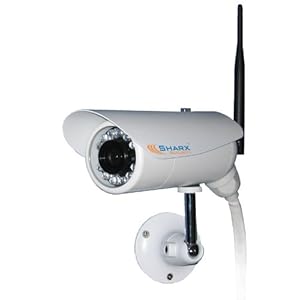
Sharx Security SCNC3605N Wireless b/g/n Weatherproof Outdoor MPEG4 IP Network Camera with Infrared Night Vision and built in DVR
Outdoor home videos are a special challenge- lighting, background, and subjects are often in motion. You cannot go wrong to select of outdoor surveillance cameras.

The most important specification for an outdoor security camera is its IP classification (a rating based on the International Protection Rating code). An IP rating has two digits, with each digit corresponding to a different type of protection.
  • The first digit refers to the level of protection an enclosure provides its internal parts from solid foreign objects. It has a rating range of 0 (no protection) to 6 (highest level of protection).
  • The second digit refers to water resistance, and it has a rating range of 0 (no protection) to 8 (highest level of protection).
The rating range goes from 0 (no protection) to 6 (highest level of protection). Optimally, an outdoor security camera should have an IP55 rating, which means it's resistant to both penetration by dust and water.

Outdoor surveillance cameras are easy to install and can be up and running in minutes. They come in both wired and wireless versions. Infrared capability so you can see-in-the-dark is usually only a few dollars more than the cameras without it.

Wireless cameras require mounting the camera and hooking up the video receiver inside your home to a video monitor or TV. Wired cameras require running cable inside the home to your monitor or TV. When buying a wired camera, look for models that come with their own cable. Ensure when purchasing an outdoor surveillance camera that it is listed as weatherproof.

Friday, October 19, 2012

How to Choose a CCTV System for Home?

-->
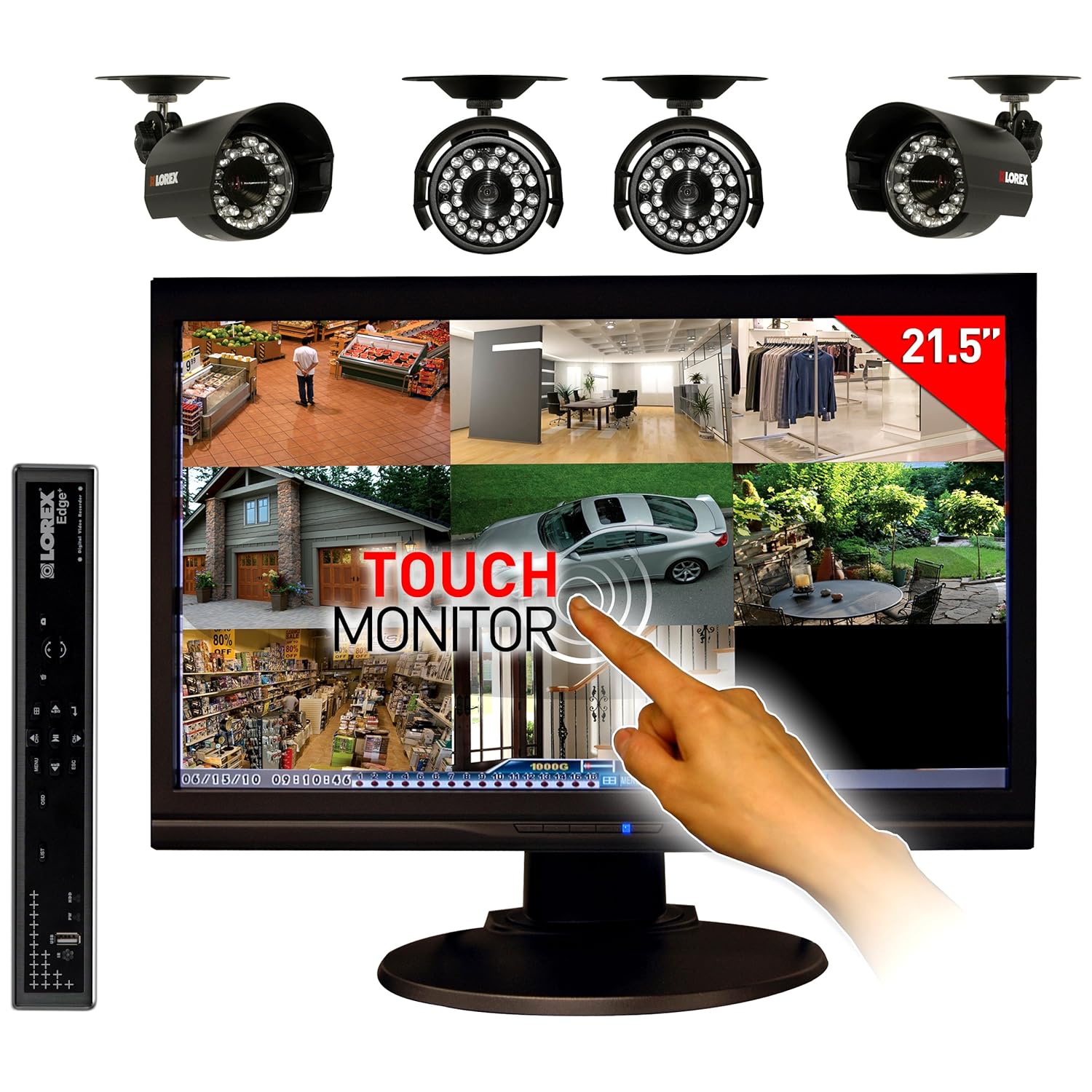
Lorex Edge LH328501C4T22B 8-Channel DVR and 21.5-Inch Touch Screen Monitor with Internet, 3G Mobile Viewing and 4 Security Cameras
However modern technology has made CCTV products much more affordable and for the average DIY person, easy to fit. But finding the right home CCTV System for your home can be a difficult task. There is a lot to take on board if you want to ensure that you have purchased the best product for your requirements.

Before purchasing the right CCTV and video surveillance equipment there is plenty to think about. Below we have listed some questions to ask yourself when it comes to buying surveillance equipment.
  • Why do I want to install CCTV?
  • What equipment will I need?
  • How can I store images?
  • How can I monitor images?
  • Do I need fixed or moving cameras?
  • Do I need IP or analogue cameras?
  • Should I integrate my CCTV with my other security systems?
  • How do I make the most of my budget?
  • Should I upgrade to a digital system?
  • What accreditation or references should I look for in a CCTV installer?
To choose the best CCTV system for your needs, consider factors such as camera types, monitoring options, image quality and remote access.
  • Compare camera options.
  • Consider when the system will be used.
  • Evaluate whether you'll need a black and white or color CCTV system.
  • Match the display quality of each system to your needs.
  • Ask about monitor options. Some CCTV systems allow viewers to observe camera activities using a television set, while others require a computer monitor. Some specialized systems will only work with special high-security monitors.
  • Inquire about remote access.
  • Decide how the system should be operated.
  • Check on available storage space. For CCTV systems with built-in storage, capacity is often fairly low. Users will need to remove video recording files frequently and save them to another source, if required.
A good home CCTV System defines the area's level of security. It is better to invest in good quality materials even when they are more expensive.

Thursday, October 18, 2012

How to Install a Digital CCTV System?

-->
A CCTV (Closed Circuit Television) is used to monitor or surveil an area. It is now easy for almost anyone to install an affordable, complete digital CCTV system that comes in a box, ready to go.

CCTVs come in various categories based on their way of transmitting signals. They are analog, digital, wired and unwired. Each of these have unique operating methods. All CCTVs come with generic components like camera and lens. Wired CCTVs use co-axial wires to transmit signals to a monitor; wireless CCTVs broadcast signals.

The signal can be received by your television set, PC, laptop or an internal website. Analog CCTVs use television monitors, since they are wired, while the digital / wireless CCTVs use broadcast technology to relay the signal directly to a computer monitor. Analog CCTVs use a VCR (video cassette recorder ) to record video capturing while digital CCTVs use DVRs (digital video recorder).

How to install a CCTV

Wireless systems might just need an electric outlet and related software installed on your computer whereas analog systems will need cables. You might need to drill holes into your wall to accommodate the analog systems connectivity path to your monitor. So be your own judge and decide if this is feasible.

After you have figured out, start of with the following:
  • Decide whether you want to monitor the system via in the Internet. If so, ask your Internet provider for a static IP address. Your wireless-capable computer or a standalone digital video recorder (DVR) gives you recording capability if desired.
  • Survey your area and determine how many cameras you'll need. Systems with 1 to 4 cameras are available at many electronic and home stores. Many one- or two-camera systems can expand to accept more cameras. Wireless cameras need an electrical outlet to work. If the outlet is easily accessible it may allow someone to unplug the camera and avoid being seen.
  • Install the software on your computer if it is being used or turn on the DVR and allow it to boot up. Click on the setup menu and follow the instructions for that particular software. You'll need your static IP address and a user name and password to protect your security.
  • Attach the first camera to a stable surface and plug it into a wall socket or extension cord. Point it in the coverage direction and turn it on. Have an assistant near the video display help you adjust the camera so that maximum coverage is available. Label the camera in the software with an easy-to-remember name such as "Swimming Pool" or "Garage Door."
  • Continue to install the other cameras in the same fashion.
  • Test the system after the installation is complete by bringing up a browser in an Internet-capable computer. Type the static IP address into the browser address bar. A login page should appear where you enter your user name and password. Once that is done you should be able to see the software, which allows you to choose which camera view to see and even to check what has been recorded.
A complete CCTV system includes the cameras, DVR and software. Alternatively, purchase the cameras and software and use your own wireless-capable computer as the DVR. The installation is identical, but the software will vary slightly for the setup.

Reference:
How to Install a Digital CCTV System By Jack Burton
Installation Instructions.pdf

Wednesday, October 17, 2012

What is a closed circuit monitoring system?

-->
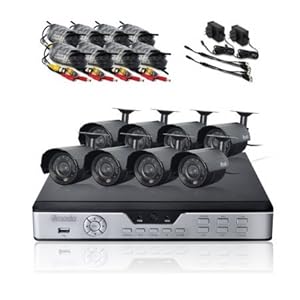
Zmodo PKD-DK0865-500GB H.264 Internet & 3G Phone Accessible 8-Channel DVR with 8 Night Vision Cameras and 500 GB HD
CCTV (Closed Circuit Television) refers to a video system that is closed to a limited amount of viewers. A CCTV system can refer to something as large as a multi-camera monitoring system for a bank to something as small as a single camera monitoring your baby.

CCTV is a TV system in which signals are not publicly distributed but are monitored, primarily for surveillance and security purposes.

Depending on the system you choose, CCTV video can be viewed live or recorded using a digital video recorder (DVR)--either a dedicated device or your PC.

CCTV is commonly used for a variety of purposes, including:
  • Maintaining perimeter security in medium- to high-secure areas and installations.
  • Observing behavior of incarcerated inmates and potentially dangerous patients in medical facilities.
  • Traffic monitoring.
  • Overseeing locations that would be hazardous to a human, for example, highly radioactive or toxic industrial environments.
  • Building and grounds security.
  • Obtaining a visual record of activities in situations where it is necessary to maintain proper security or access controls (for example, in a diamond cutting or sorting operation; in banks, casinos, or airports).
CCTV is finding increasing use in law-enforcement, for everything from traffic observation (and automated ticketing) to observation of high-crime areas or neighborhoods. Such use of CCTV technology has fueled privacy concerns in many parts of the world, particularly in those areas in the UK and Europe where it has become a routine part of police procedure.

Tuesday, October 9, 2012

How easy is it to set up a home monitoring system?

-->
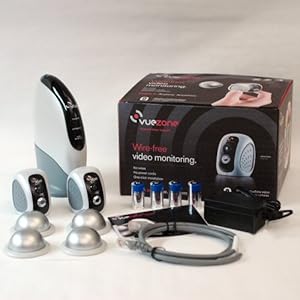
VueZone System with 2 Indoor Motion Detection Cameras (SM2700)
A home monitoring system need not be expensive or difficult to set up. A few hundred dollars and some of your time is a small price to pay for safety and peace of mind.

Networked cameras are different from webcams because they operate independently of a computer. You can access a live stream of video and audio from each camera via the Internet or 3G, using a computer or smartphone.

While you can create your own do-it-yourself (DIY) home monitoring system using a variety of components and software, that kind of system often requires more technical know-how and computer savvy than you might possess (or have time to learn).

However, there are many products and packages that offer a multi-camera monitoring system in an integrated solution that brings together the hardware and software for nearly plug-and-play ease of set-up--and some even provide subscription-based Web monitoring.

For example, the Avaak Vue Personal Video Network comes with two wireless cameras and a gateway receiver that connects to your network router. Set-up is performed using a Web browser (hence the need to connect it to your computer network), and you'll also use a Web browser to monitor the incoming video. Additionally, you can remotely view video from your monitoring system from anywhere in the world when connected to the Web when you sign up for a subscription (and even your iPhone, via a dedicated downloadable app).

Post Popular

Powered by Blogger.